The Evidence Custodian Handbook
A walkthrough of the account, evidence, Section 63 certification, and enterprise features — with the spots people tend to get stuck, called out as they come up.
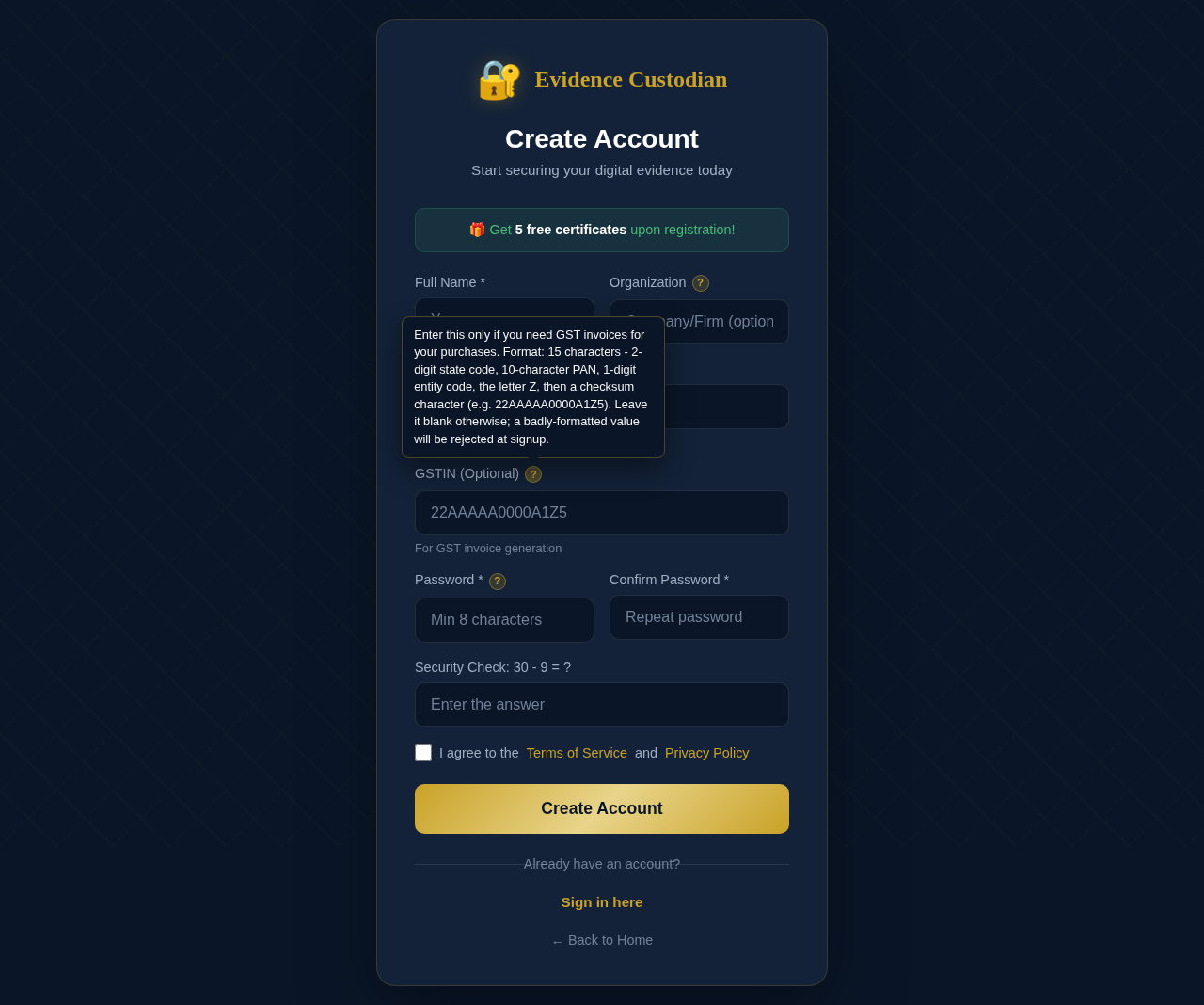
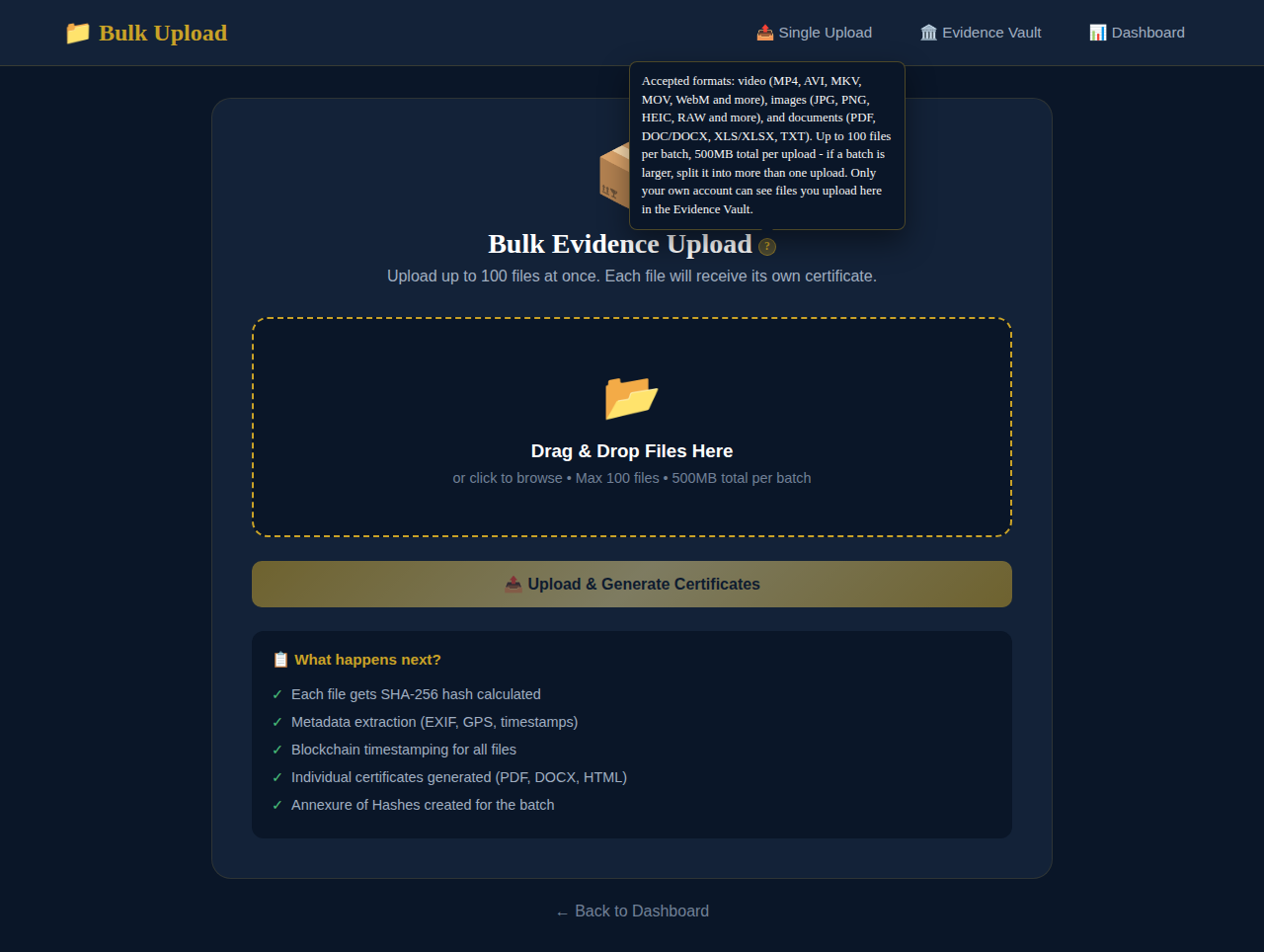
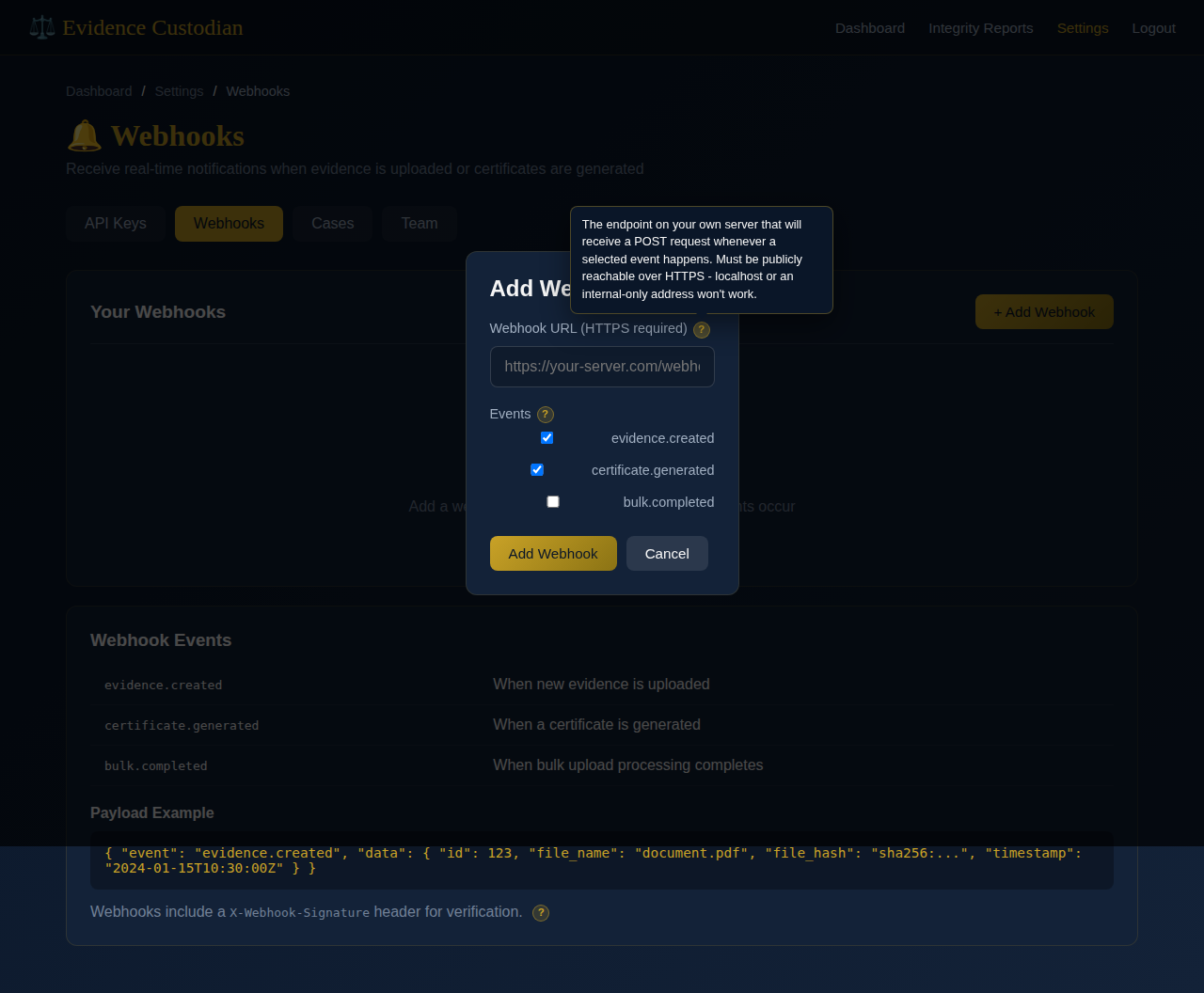
Every screen shown here reflects the current build: two-factor authentication (TOTP, no external service), Cloudflare Turnstile CAPTCHA (with an automatic fallback to a math question until it's configured), and a contextual ? next to fields whose purpose, format, or consequence isn't obvious — hover it, or tap it on a touch screen. Several of the screenshots below show one open.
Getting started
Creating an account, and the two ways to arrive at the sign-in screen.
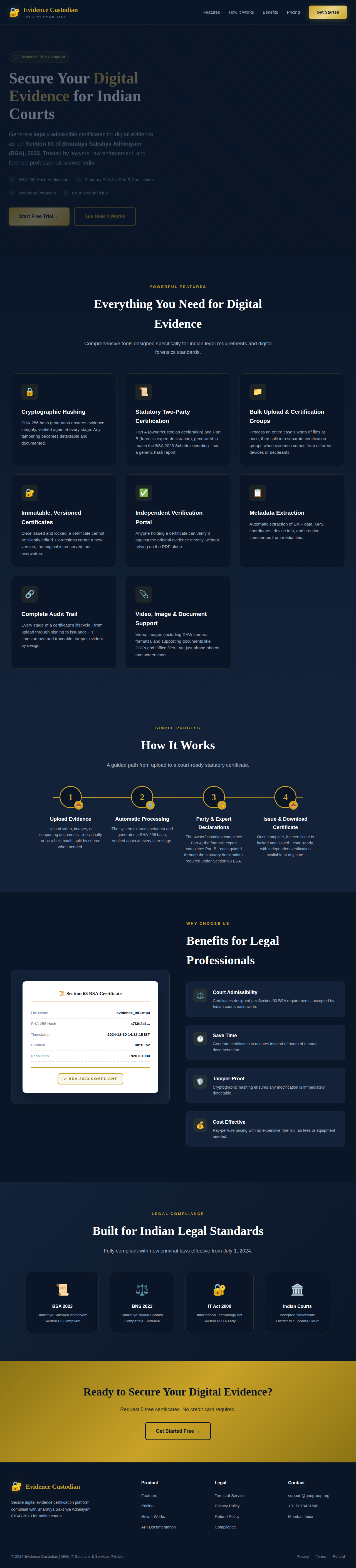
The landing page
Both the login and registration forms live on the home page as tabs, so a first-time visitor never has to pick the "right" link.
Registering
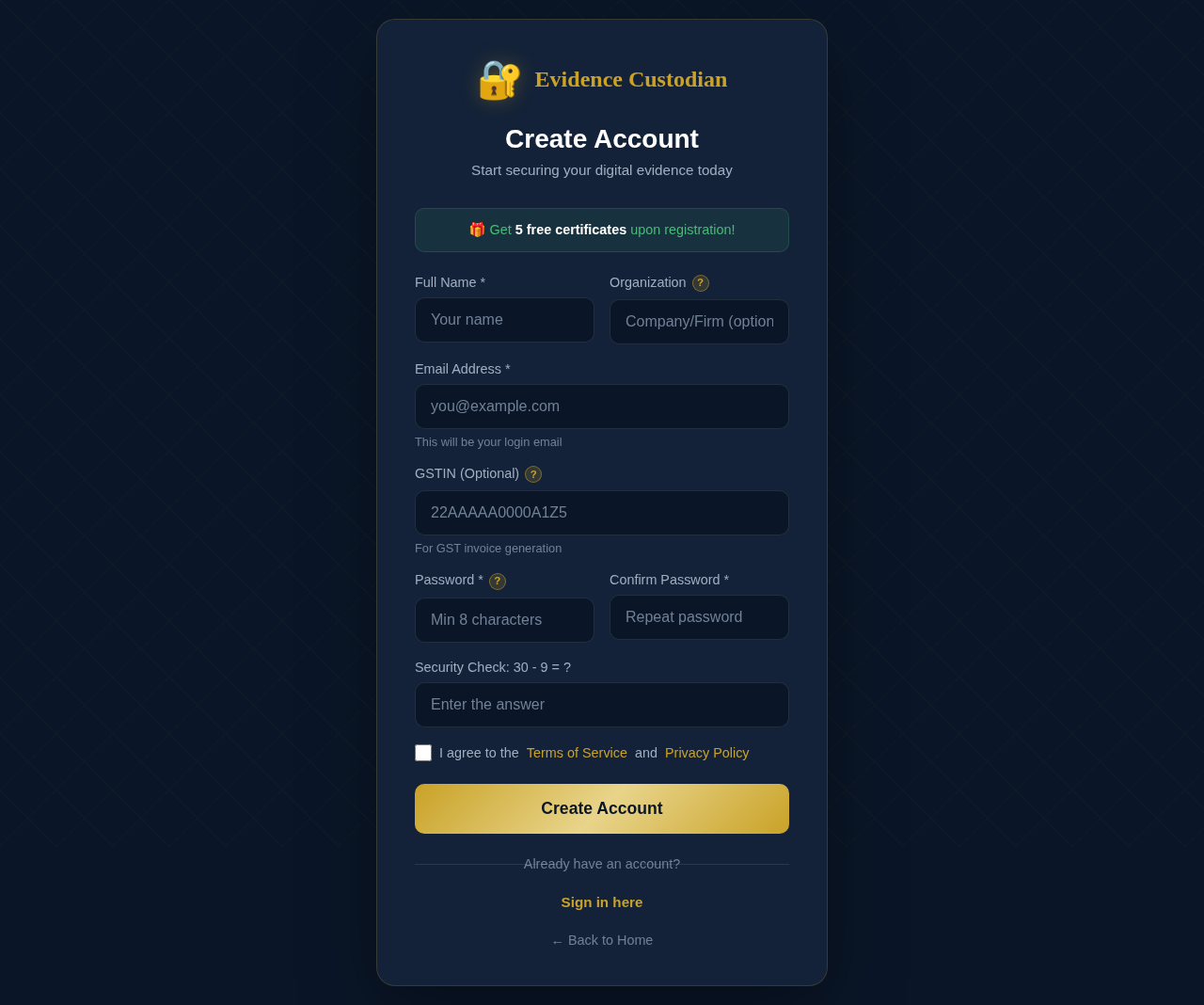
Only name, email, and password are required. Organization and GSTIN are both optional — GSTIN only matters if you'll need GST invoices later, and it has a strict 15-character format the form checks before it lets you submit.
Signing in
The field above the password takes either your email address or your username — whichever you registered with is what got stored. If you forget which one you used, either will work as long as it's correct.
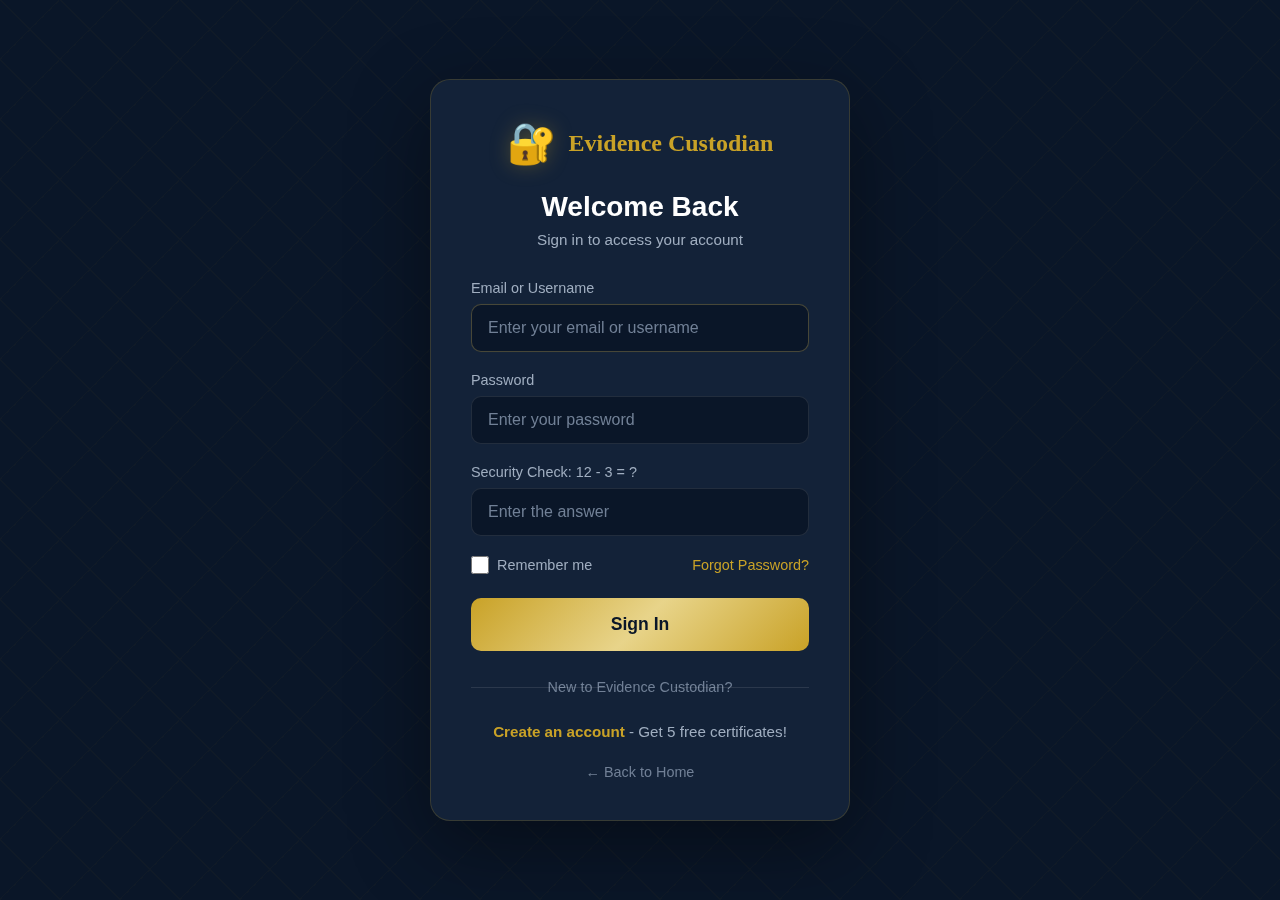
Forgotten your password entirely? The link below the form sends a reset email to the address on file.
Securing your account
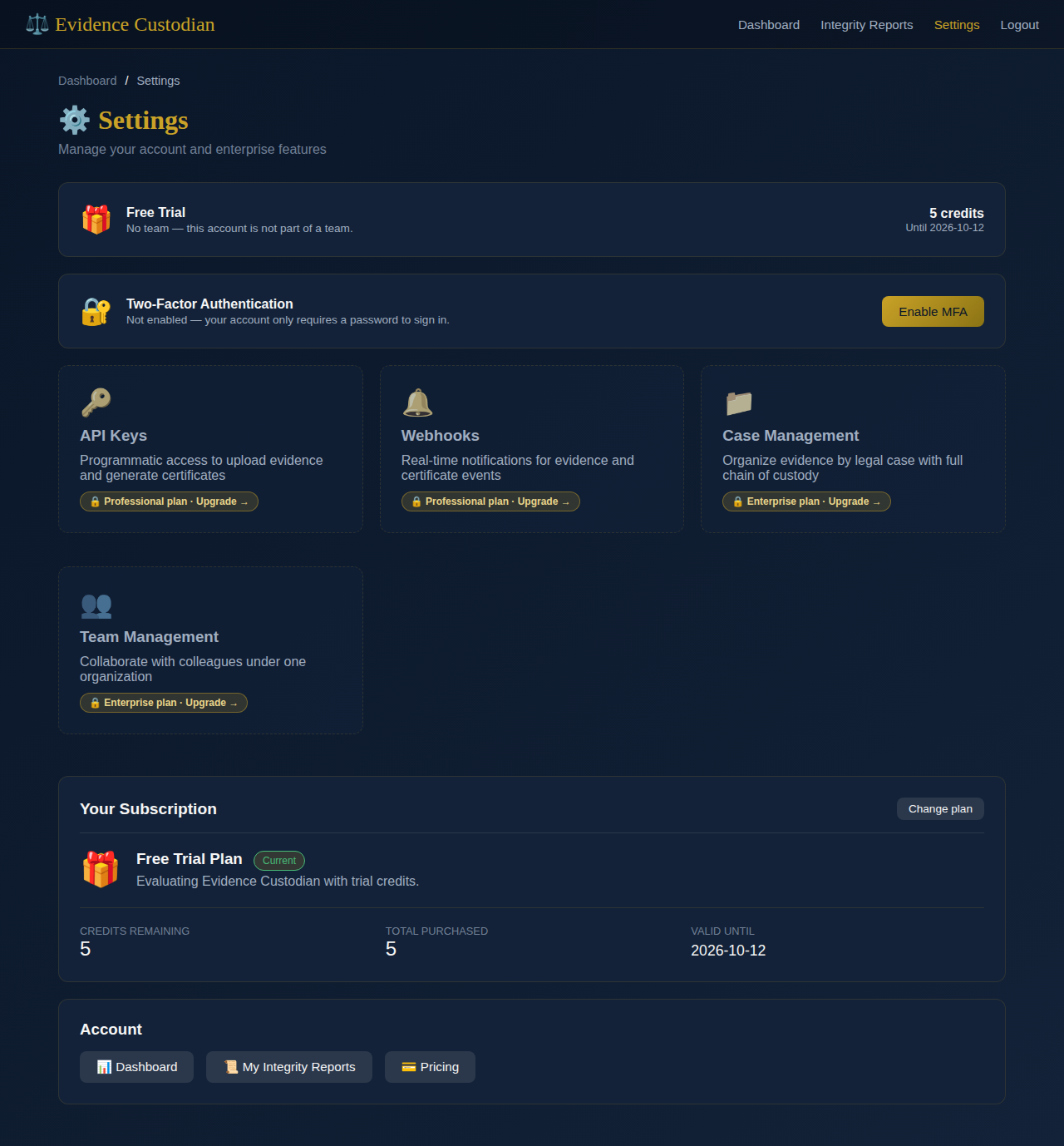
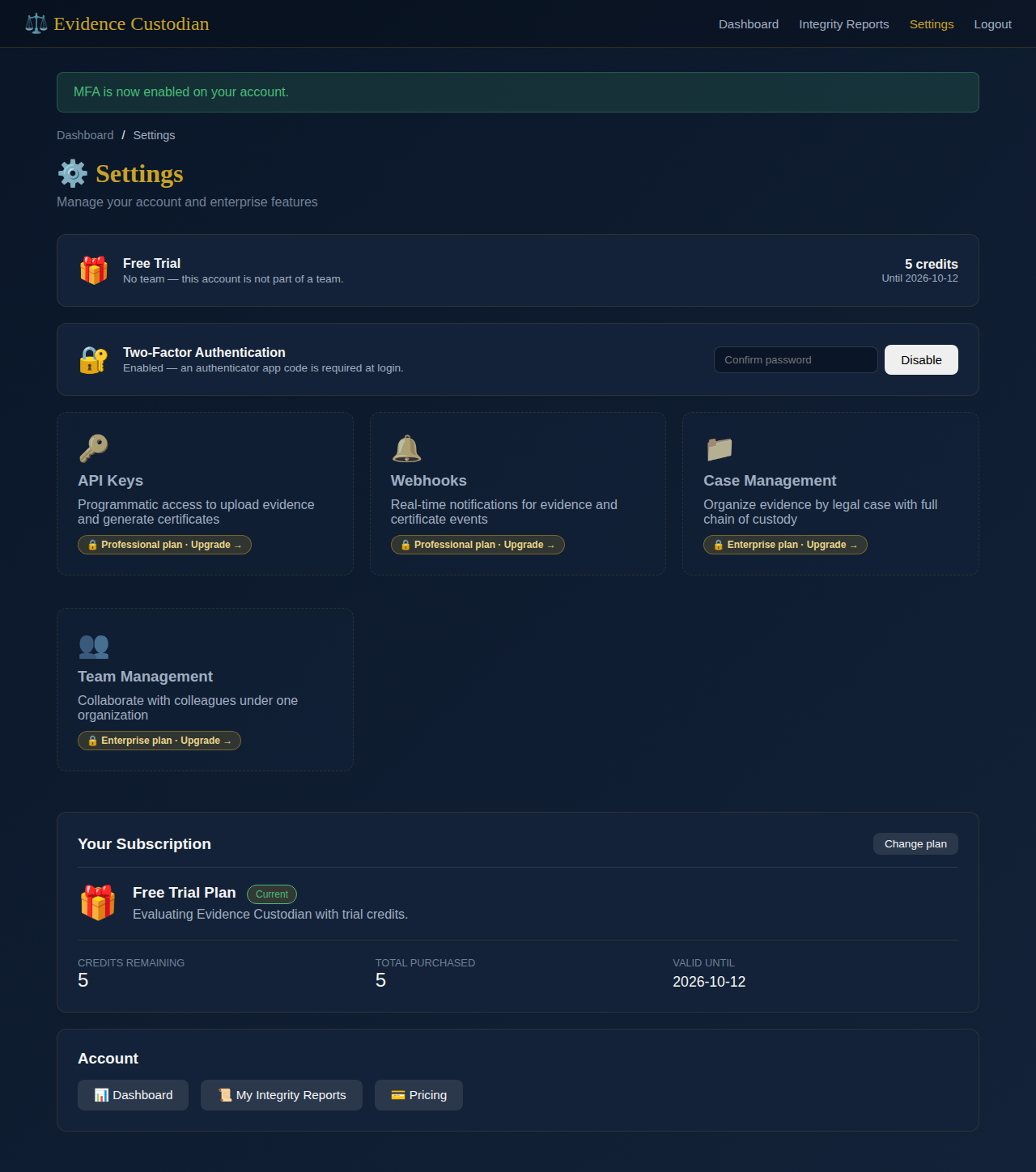
Two-factor authentication is optional, self-contained (no external service to configure), and lives entirely under Settings.
Before you turn it on
Enrolling an authenticator app
Scan the QR code with Google Authenticator, Authy, 1Password, or any other TOTP app. Can't scan it — a desktop browser, say — use the manual key underneath instead.
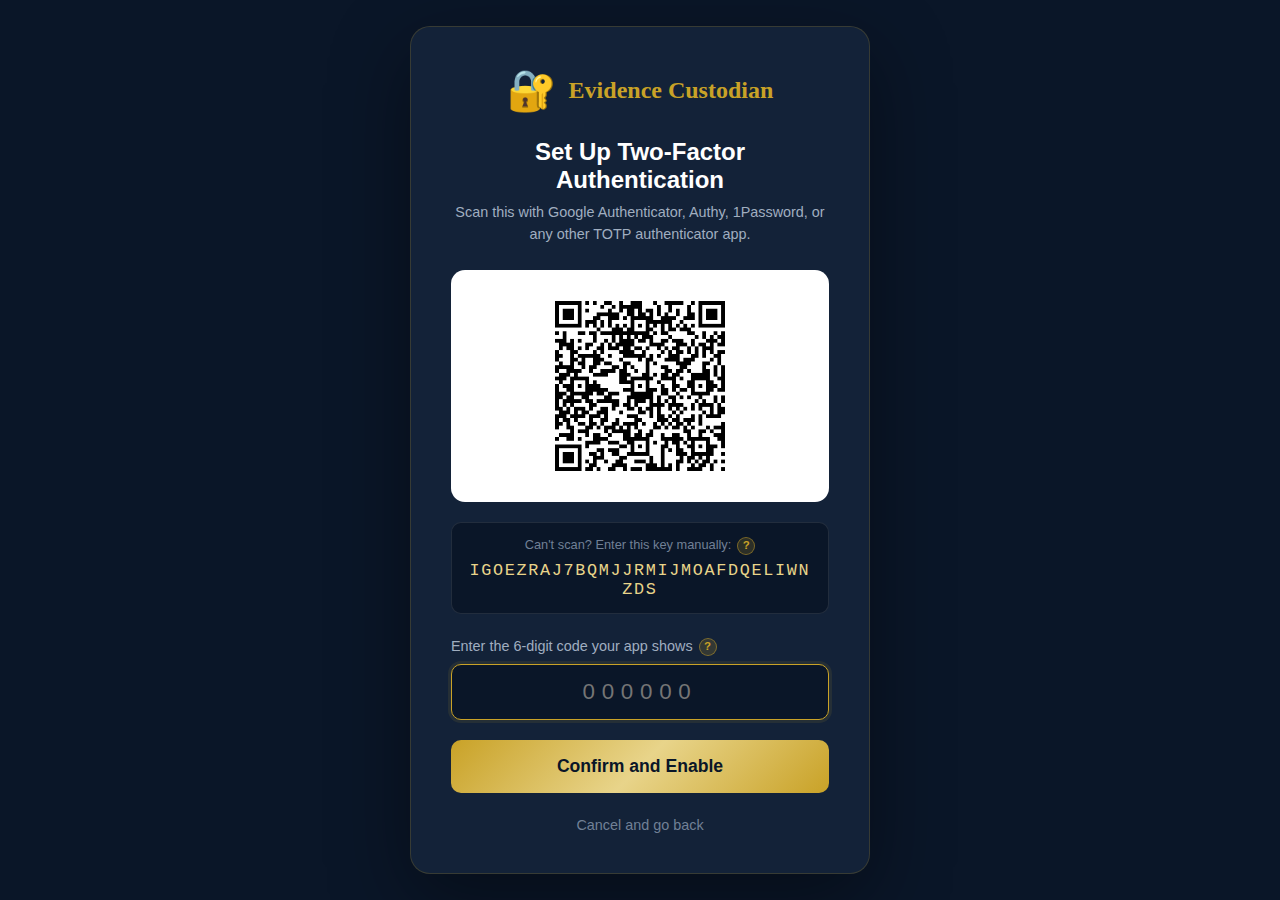
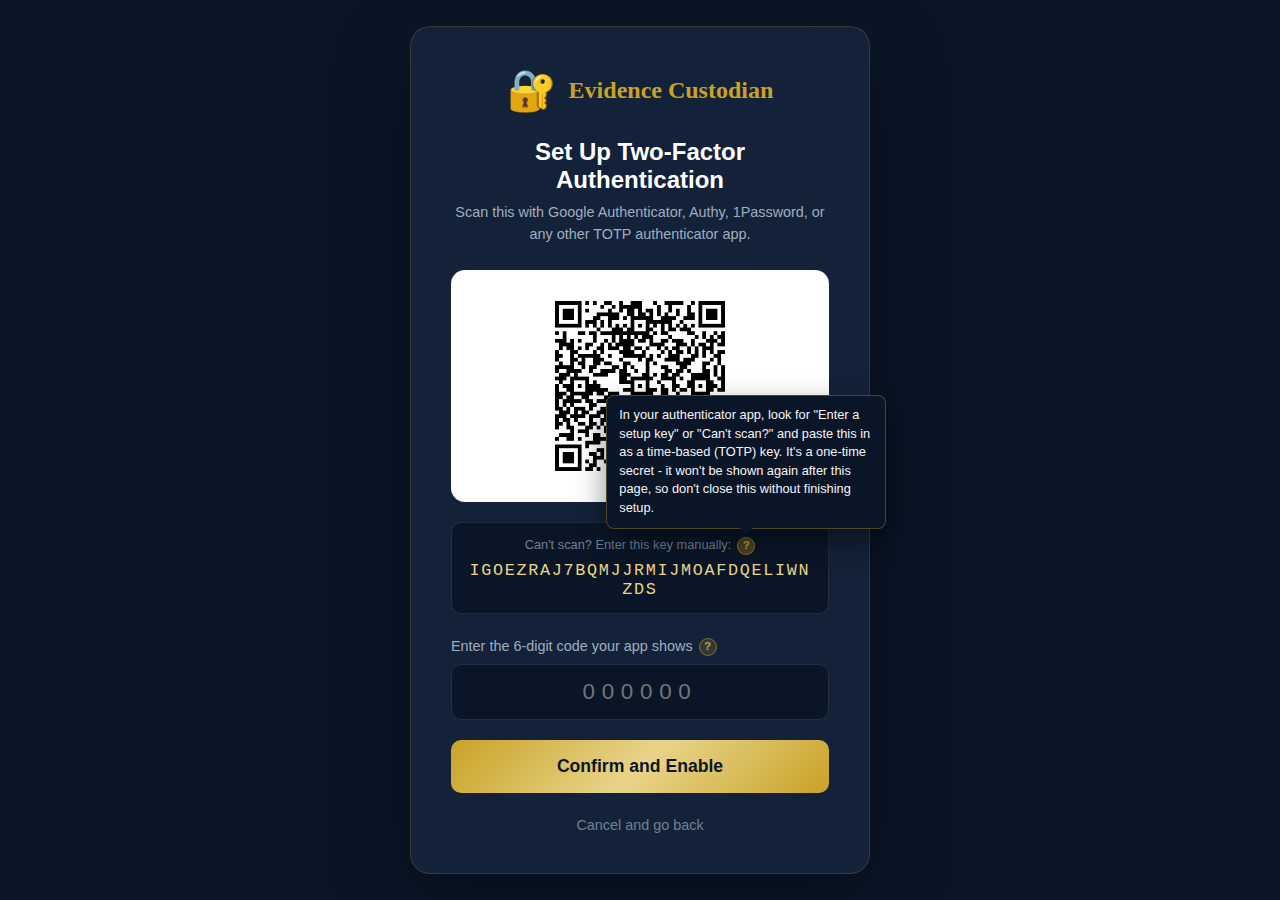
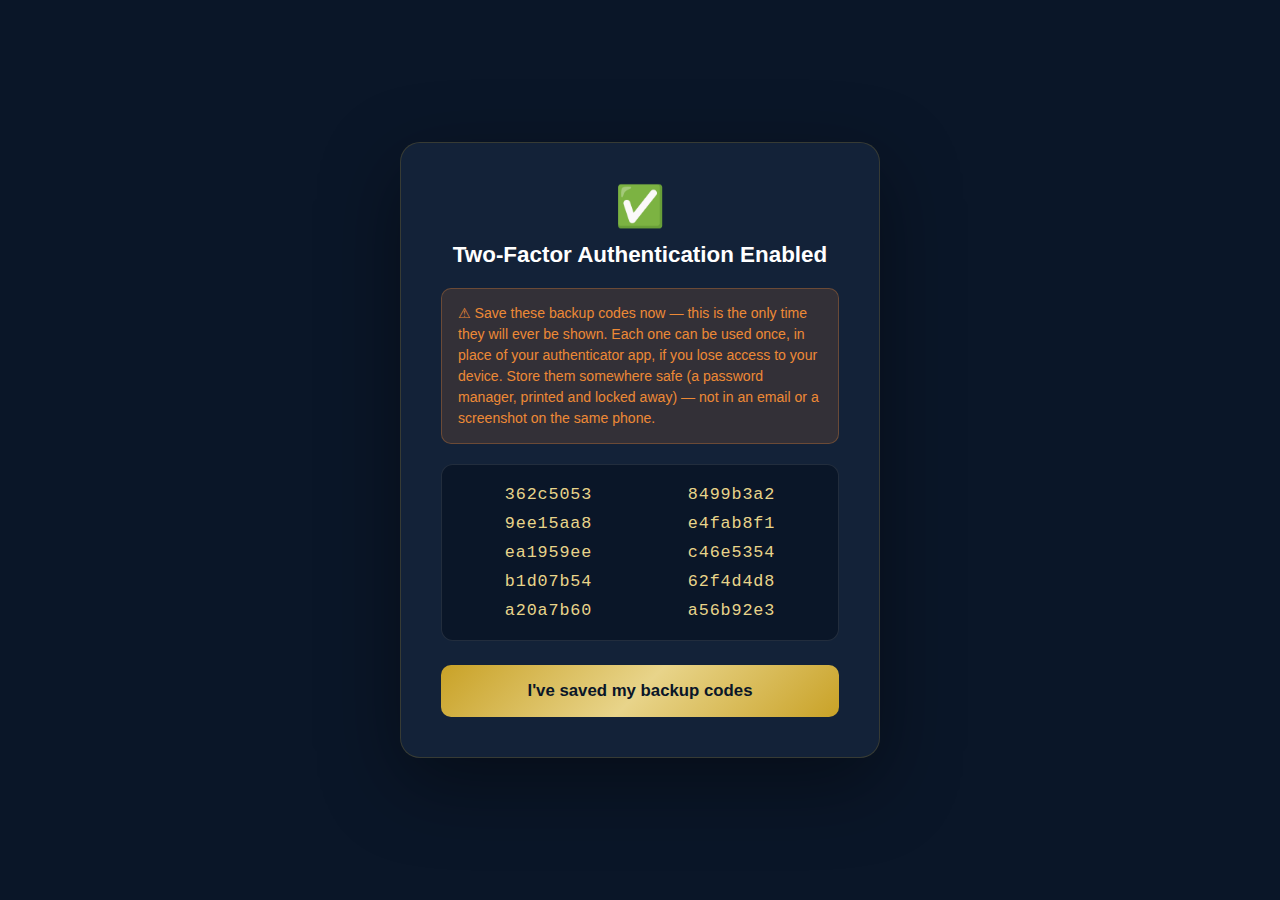
Confirming the code on this screen immediately shows ten backup codes — each usable once, in place of your authenticator app. This is the only time they're ever displayed. Store them somewhere durable rather than a screenshot on the same phone that has the authenticator app.
Signing in afterward
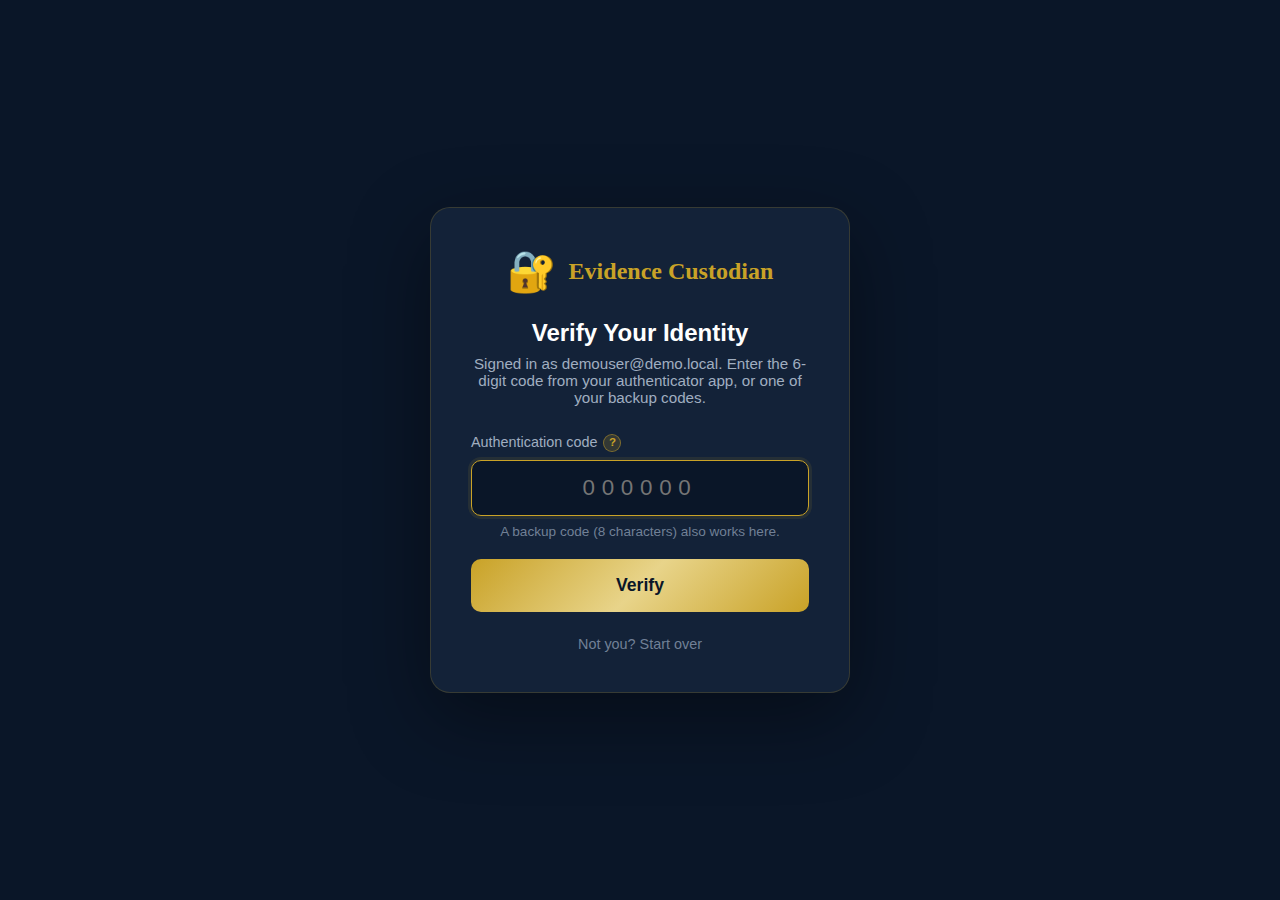
Once MFA is on, a correct password no longer signs you in by itself — it hands off to this second screen first.
Uploading evidence
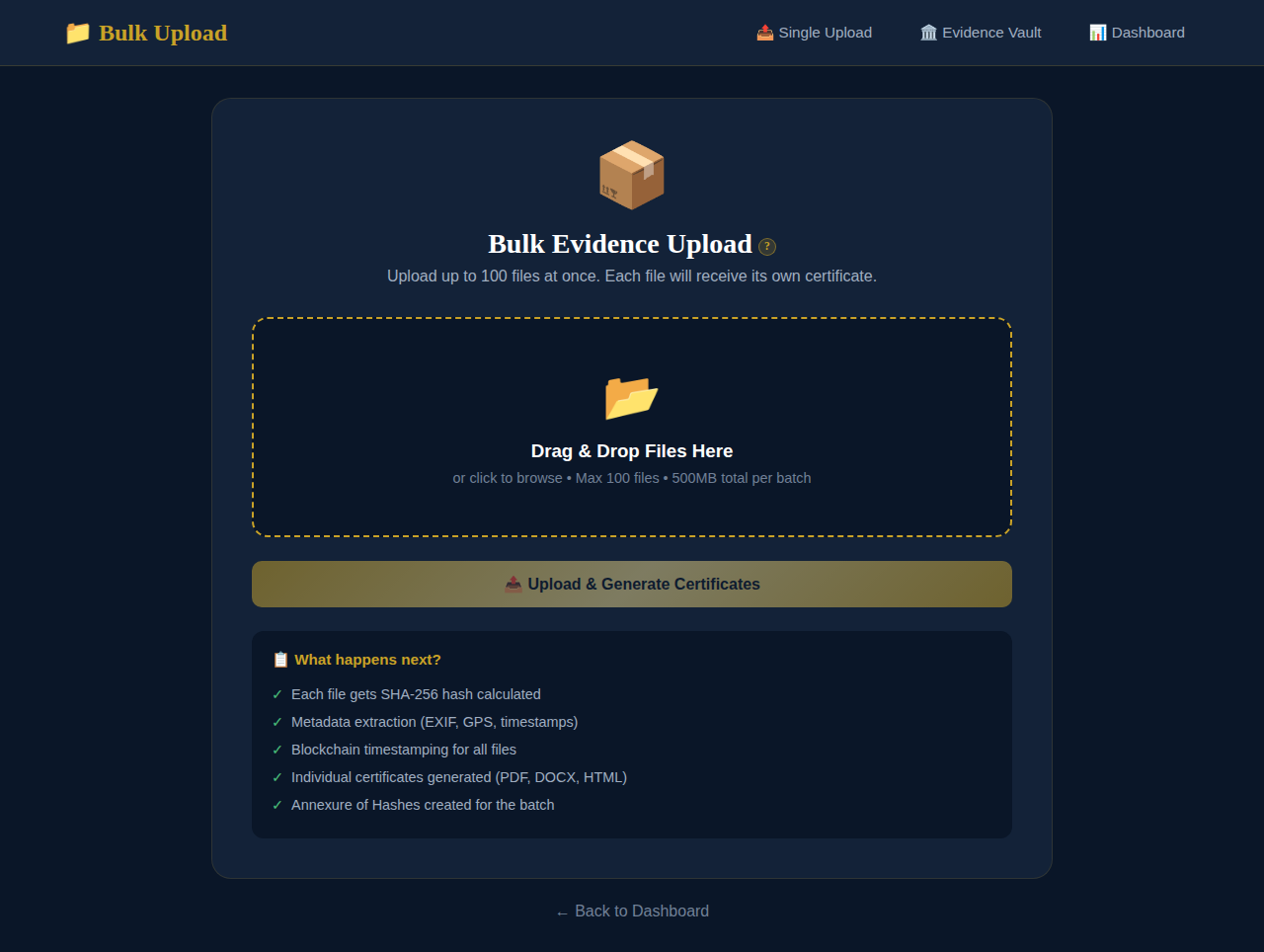
One file at a time, or up to a hundred at once — each gets its own certificate either way.
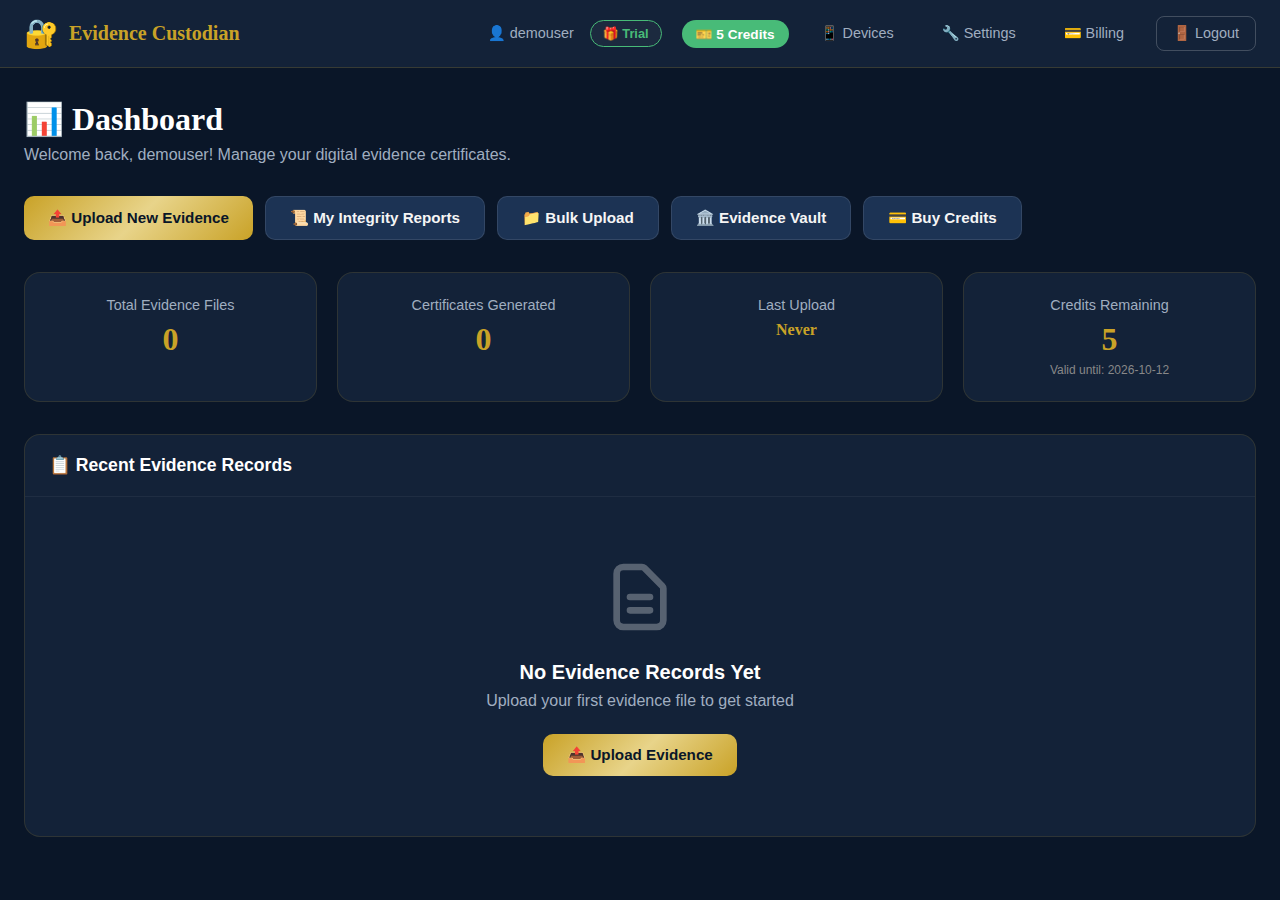
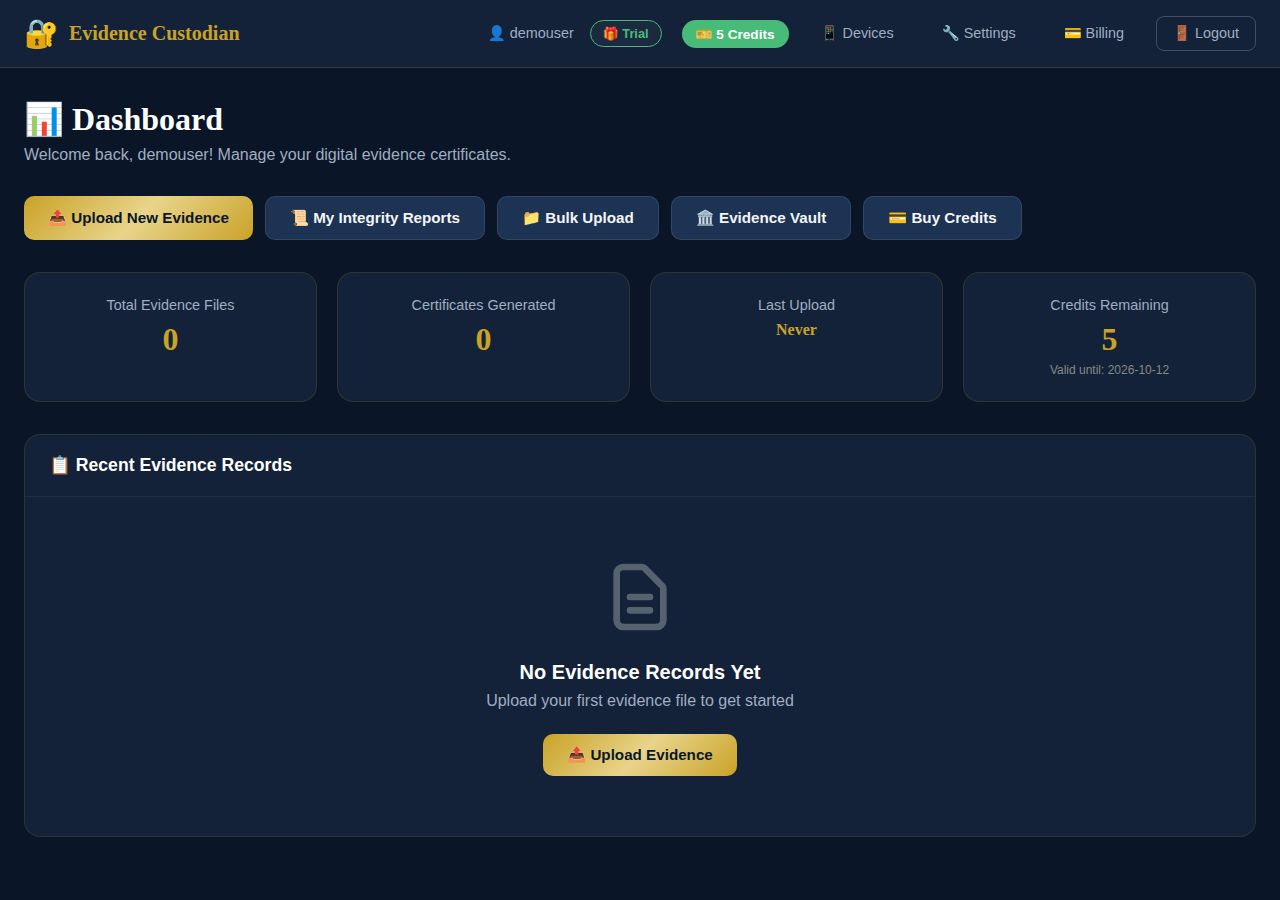
Your dashboard
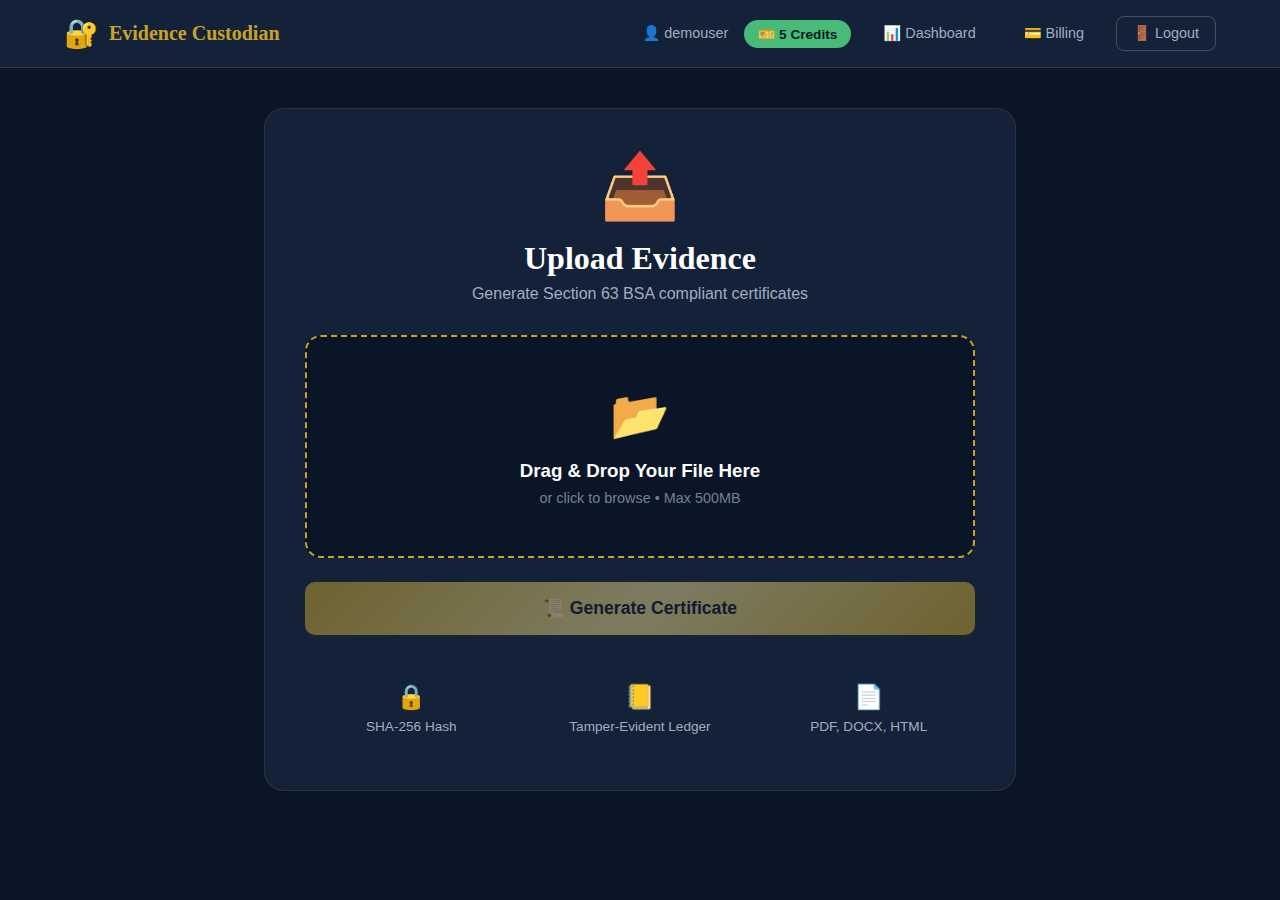
Single-file upload
Bulk upload
Drag up to a hundred files at once. The limit that matters is 500MB for the whole batch, not per file — if a batch is bigger, split it into two uploads rather than trying to shrink individual files.
Certifying under Section 63
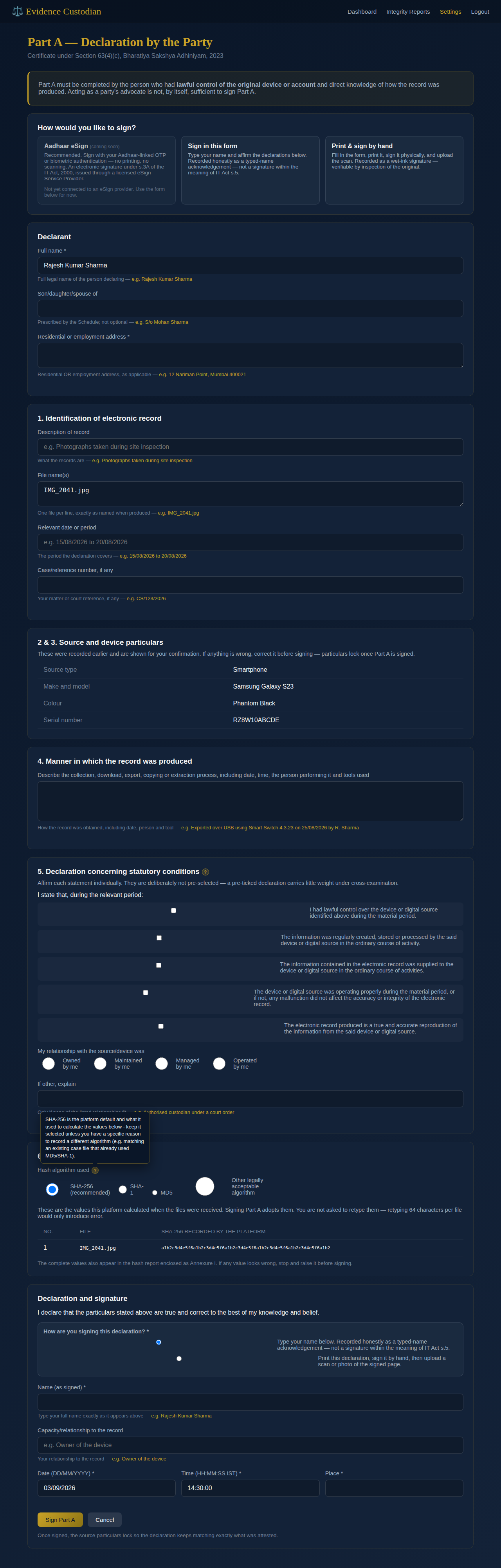
The statutory certificate under Section 63(4)(c) of the Bharatiya Sakshya Adhiniyam, 2023 — the most legally consequential forms in the product, and where the field-by-field hints matter most.
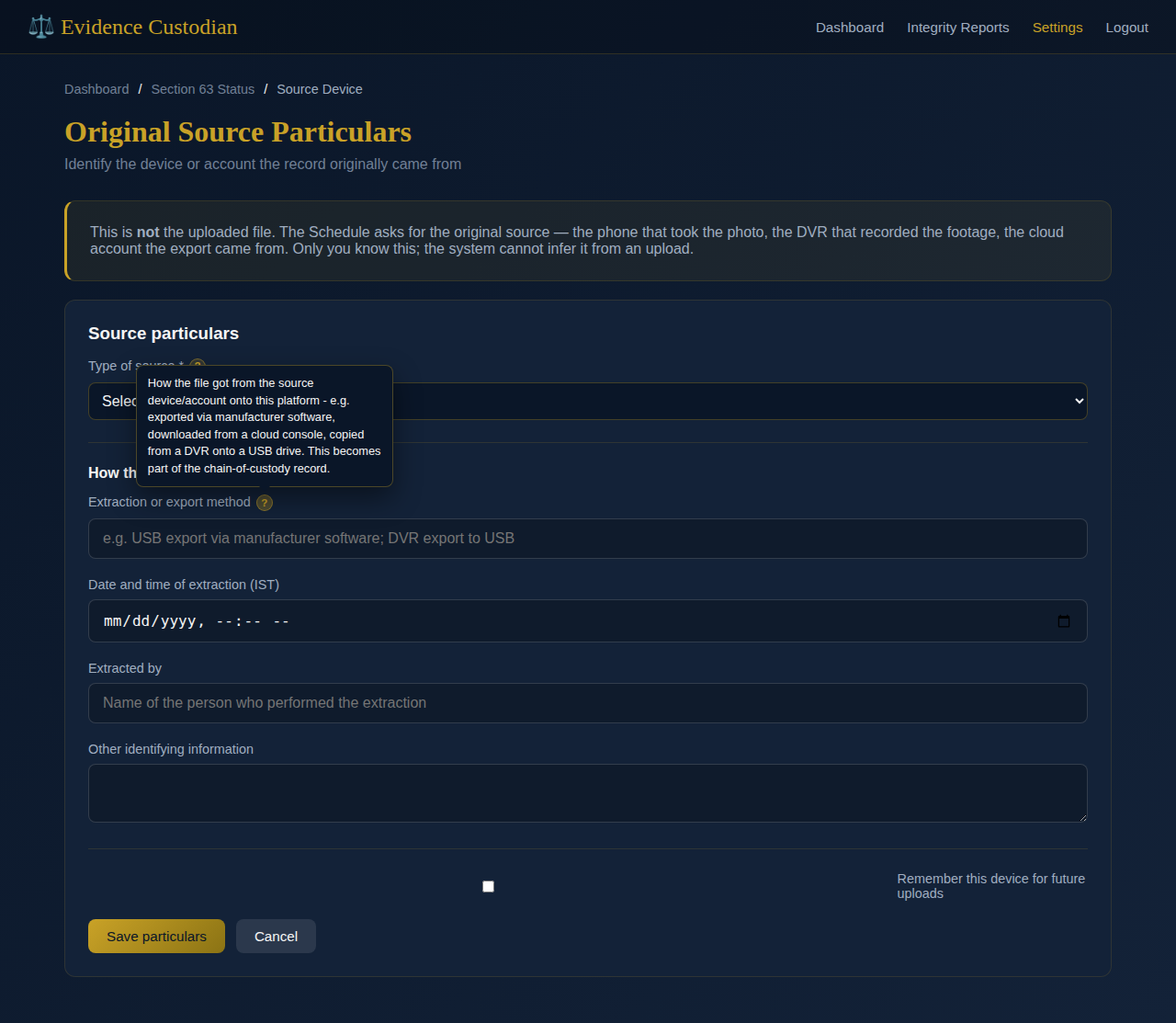
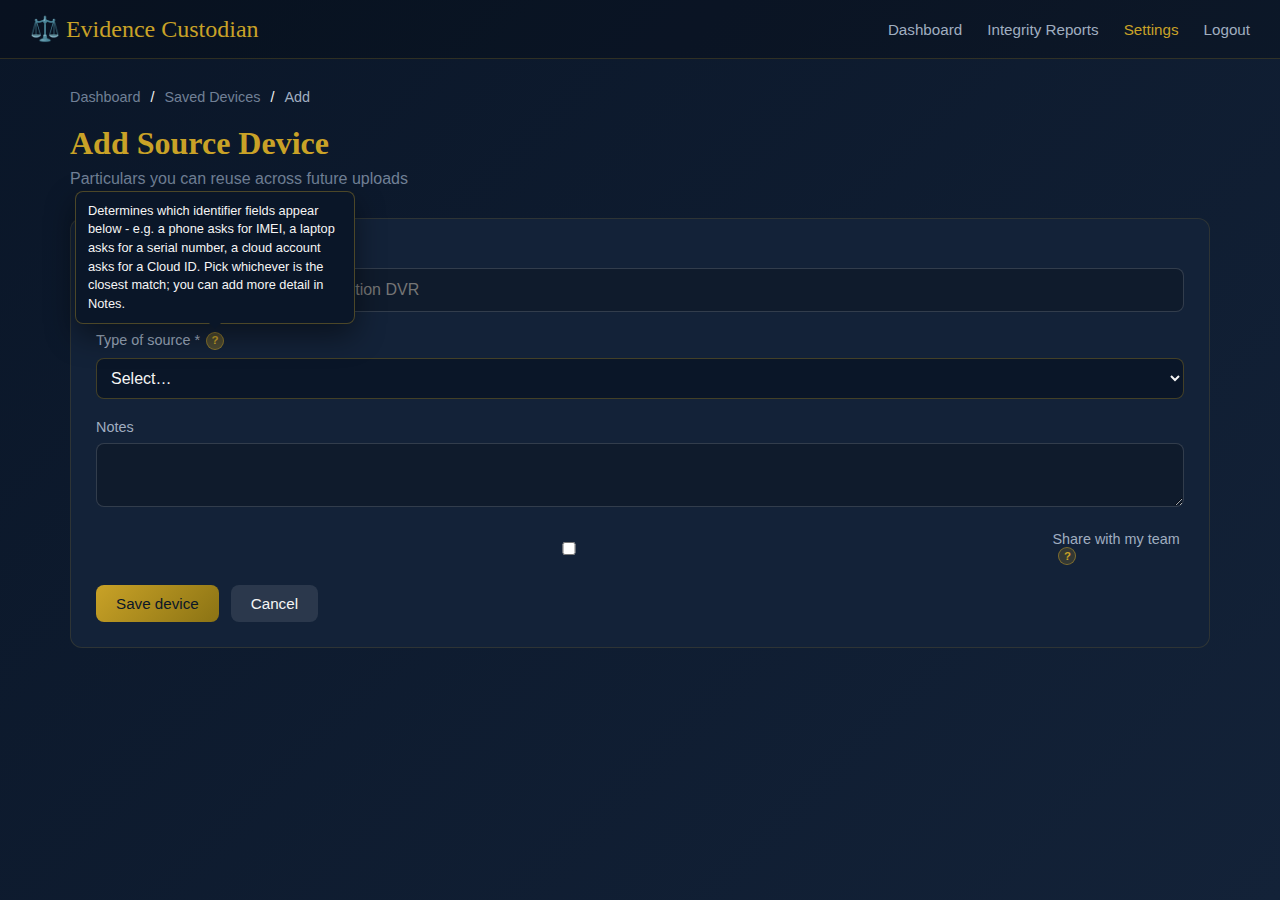
Recording the original source
Before either declaration, the platform needs to know where the record originally came from — the phone, DVR, or cloud account, not the file you uploaded. Saved devices can be reused (and optionally shared with your team).
Part A — the party's declaration
Completed by whoever had lawful control of the original device or account. Every field carries its own hint line, and the declaration checklist and hash-algorithm choice each get a fuller explanation behind a ?.
Part B — the expert's declaration
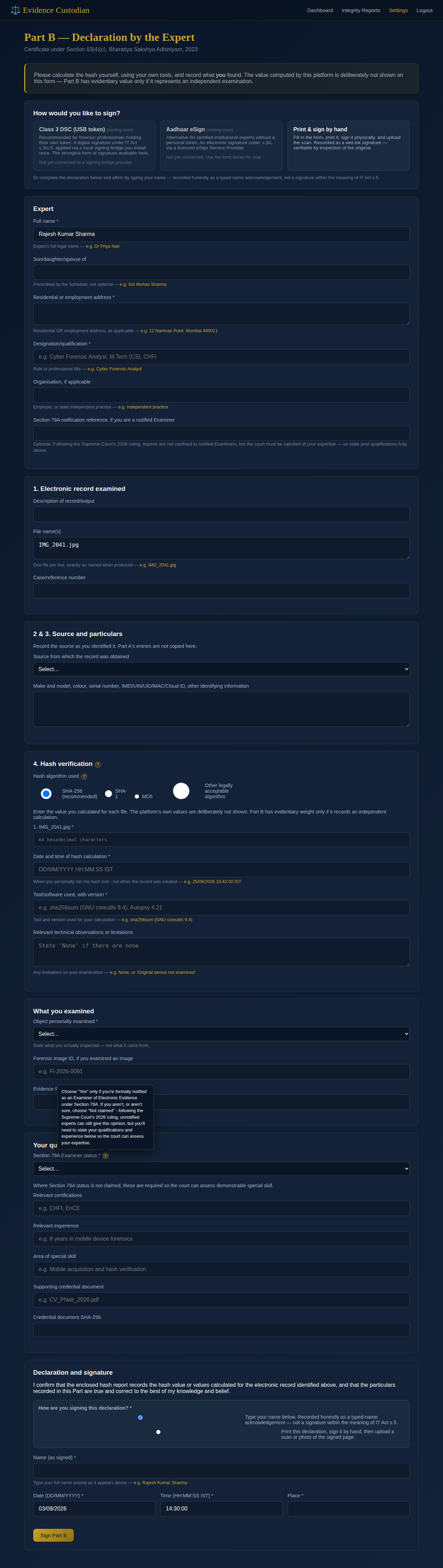
A separate, independent hash calculation — the platform's own computed value is deliberately withheld on this form. The Section 79A status field is usually the one question people hesitate on.
Enterprise features
Teams, API access, webhooks, and case organization — available on the Enterprise plan.
Team & retention policy
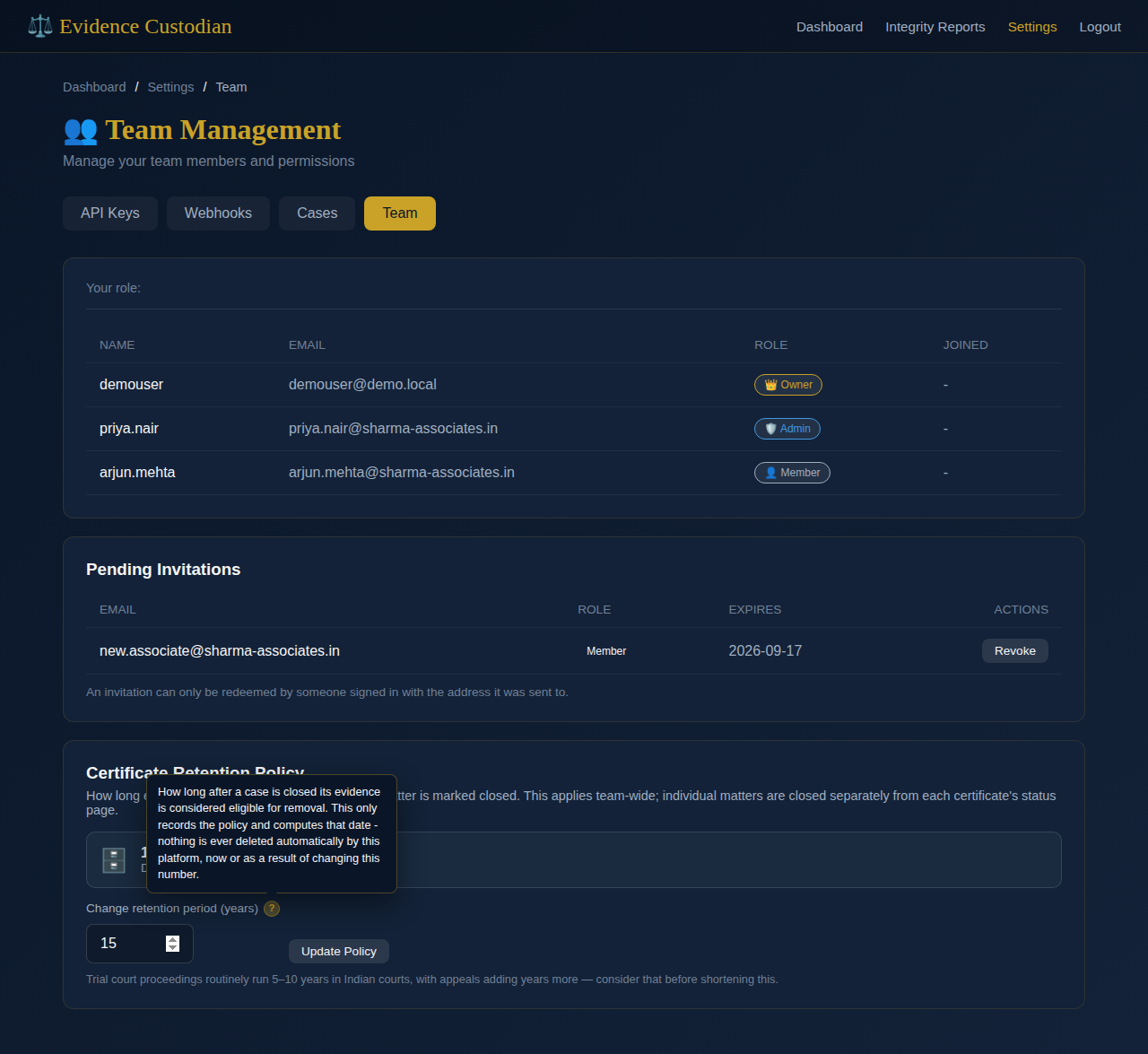
Inviting a colleague sets their role at the same time. The retention policy further down the same page only computes a date — the platform never deletes evidence on its own.
API keys
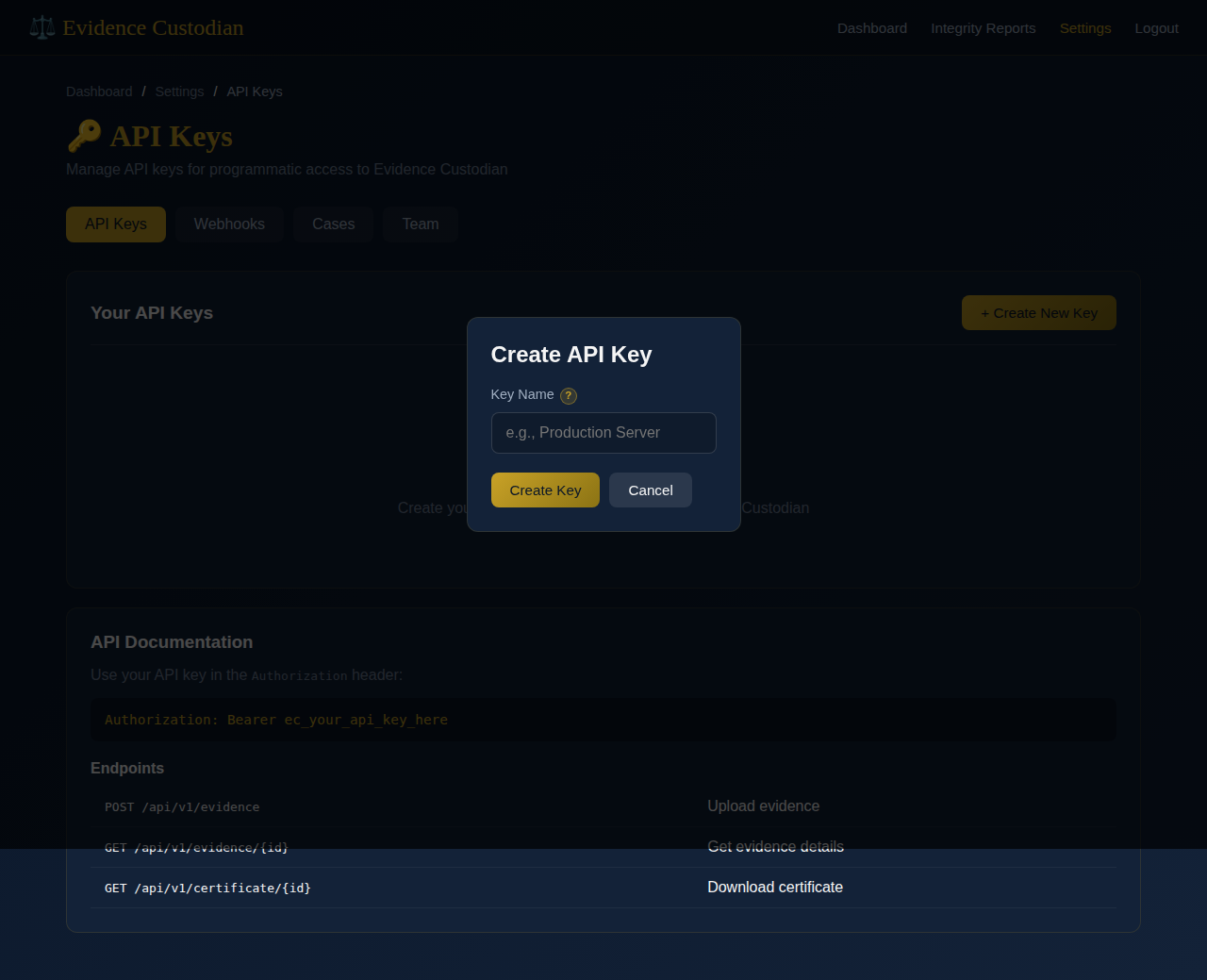
A key is shown in full exactly once, right after creation — have somewhere to paste it ready before you click Create.
Webhooks
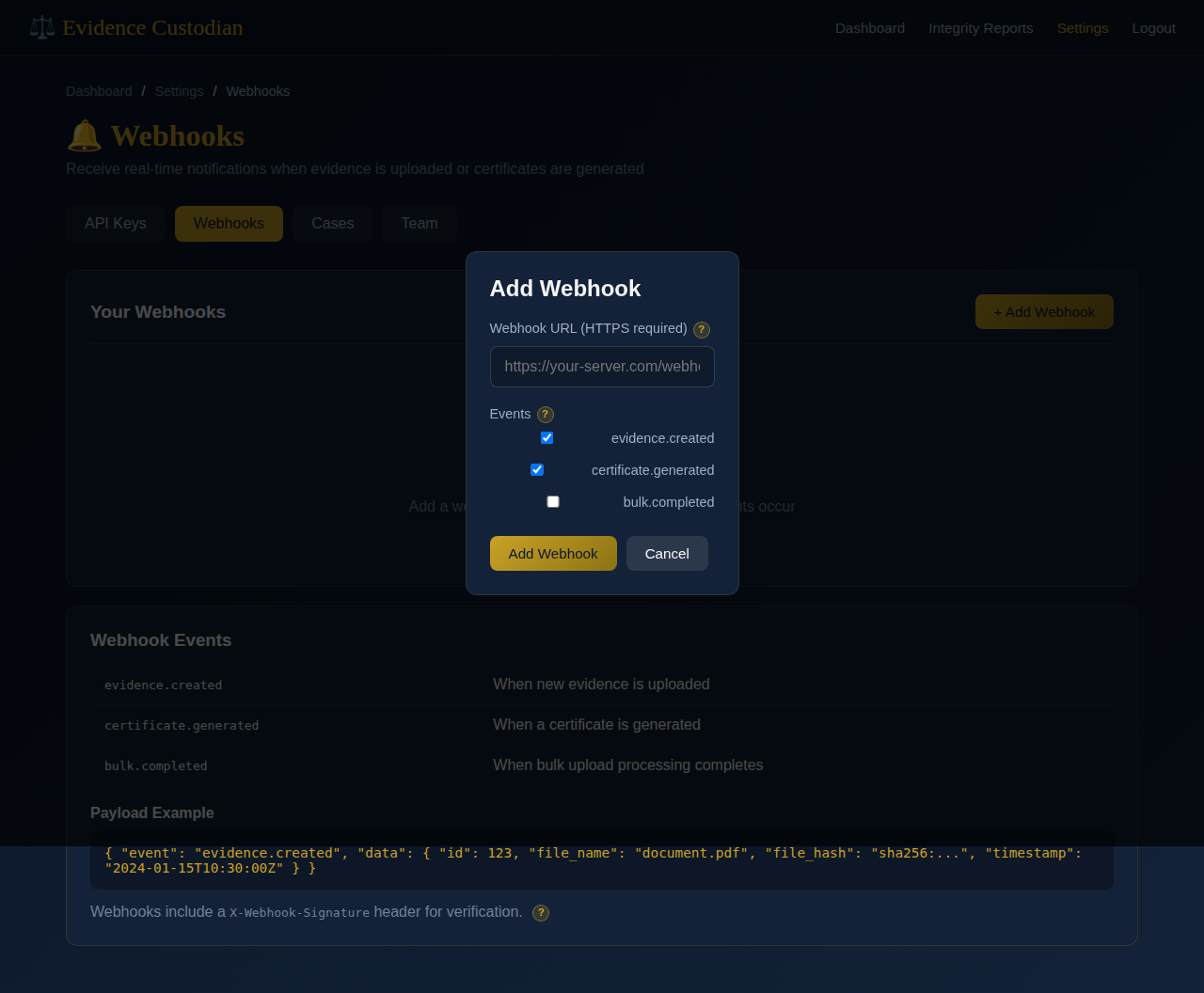
Choose the events that should notify your own server, and over
HTTPS only. The signing secret used to verify X-Webhook-Signature is
shown once, in full, right after you add the webhook.
Cases
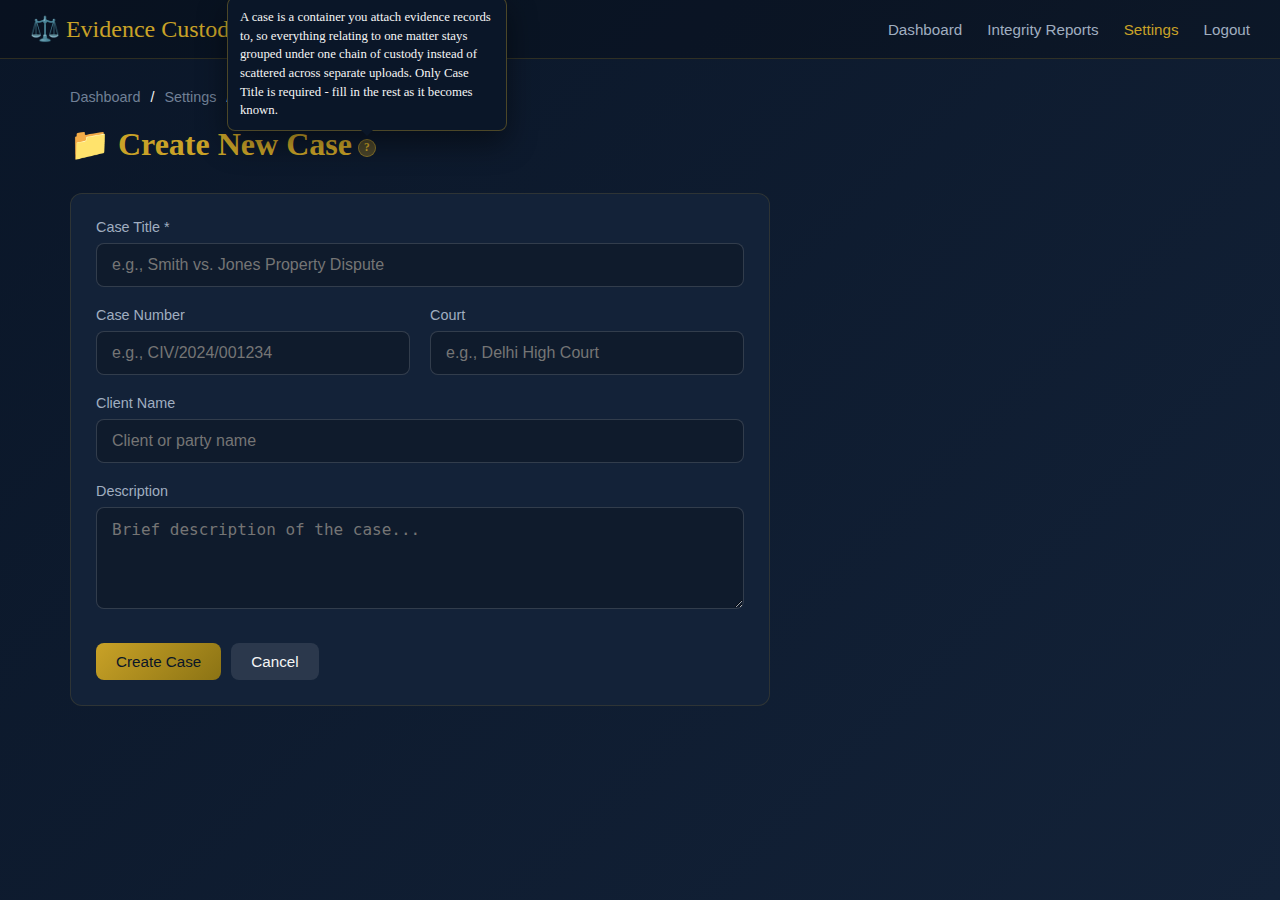
A case is a folder, not a certificate — it groups evidence records under one chain of custody. Only the title is required at creation.
Billing & plans
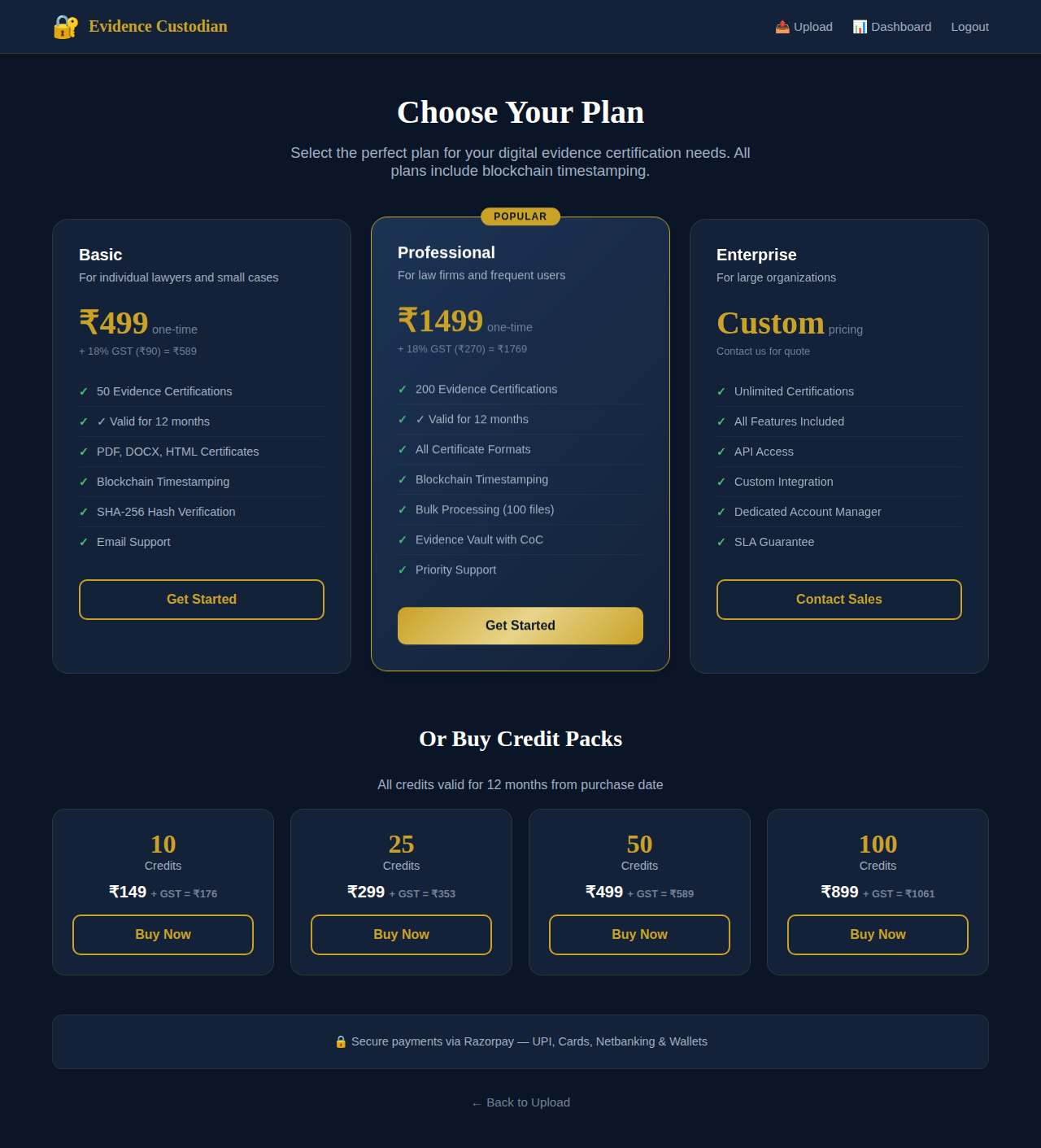
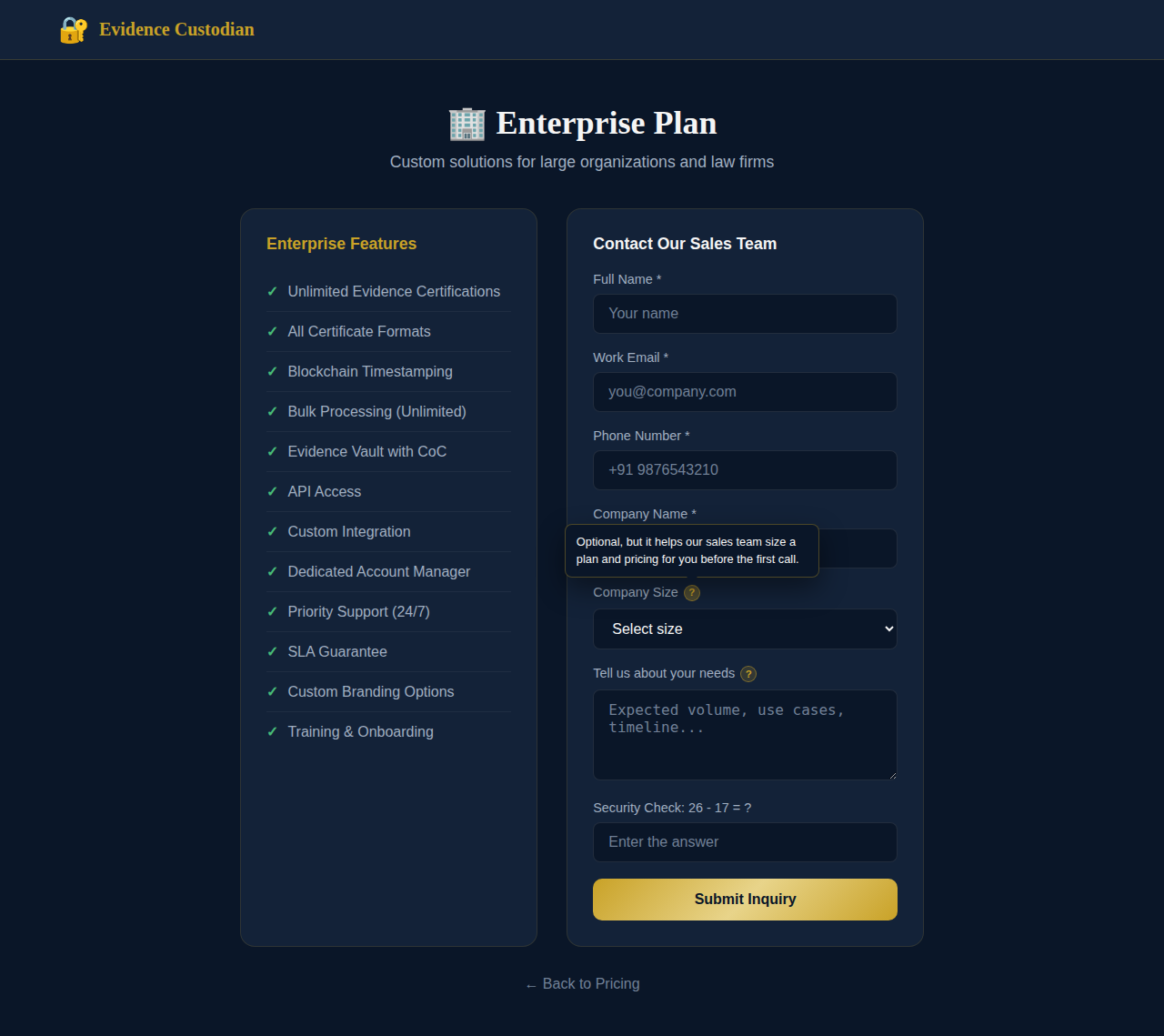
Pricing is self-serve; Enterprise is a conversation.
Common points of confusion
Answers to the questions that come up most, gathered in one place rather than only where each one occurs in the walkthrough above.
My username doesn't look like an email — can I still sign in with it?
Yes. The identifier field takes either your email or your username; type whichever one you registered with.
What exactly does GSTIN need to look like?
Fifteen characters: a 2-digit state code, your 10-character PAN, a 1-digit entity code, the letter Z, then a checksum character — e.g. 22AAAAA0000A1Z5. It's entirely optional; leave it blank unless you need GST invoices.
I lost my authenticator app and my backup codes. Now what?
There's currently no self-service recovery for this — contact your organization's administrator. This is exactly why the backup codes are worth saving somewhere durable the moment they're shown.
Is the CAPTCHA on the register/login forms actually secure?
Today it's a math question, which stops unsophisticated bots. Once an administrator configures Cloudflare Turnstile, every one of these forms switches over automatically — no visible change to the workflow, just a stronger check.
My bulk upload was rejected for being too large, but each file is small — why?
The 500MB limit is for the whole batch's request size, not any single file. Split a large batch into two or more uploads instead of shrinking individual files.
If I lower the team's retention period, does old evidence get deleted right away?
No — changing it only updates the computed eligibility date going forward. Nothing on this platform is ever deleted automatically, regardless of this setting.
I created a webhook and now I can't find the secret anywhere — did it get lost?
It was shown once, in full, in the confirmation message right after creation. If it wasn't copied then, delete the webhook and add it again to get a new one.
What's the difference between a "Case" and a certificate?
A case is a container — it groups related evidence records (and their certificates) under one chain of custody for a single legal matter. It doesn't certify anything by itself.
I'm not a notified Section 79A Examiner — can I still complete Part B?
Yes. Choose "Not claimed" for Section 79A status and fill in your qualifications, certifications, and relevant experience instead, so the court can assess your expertise directly.